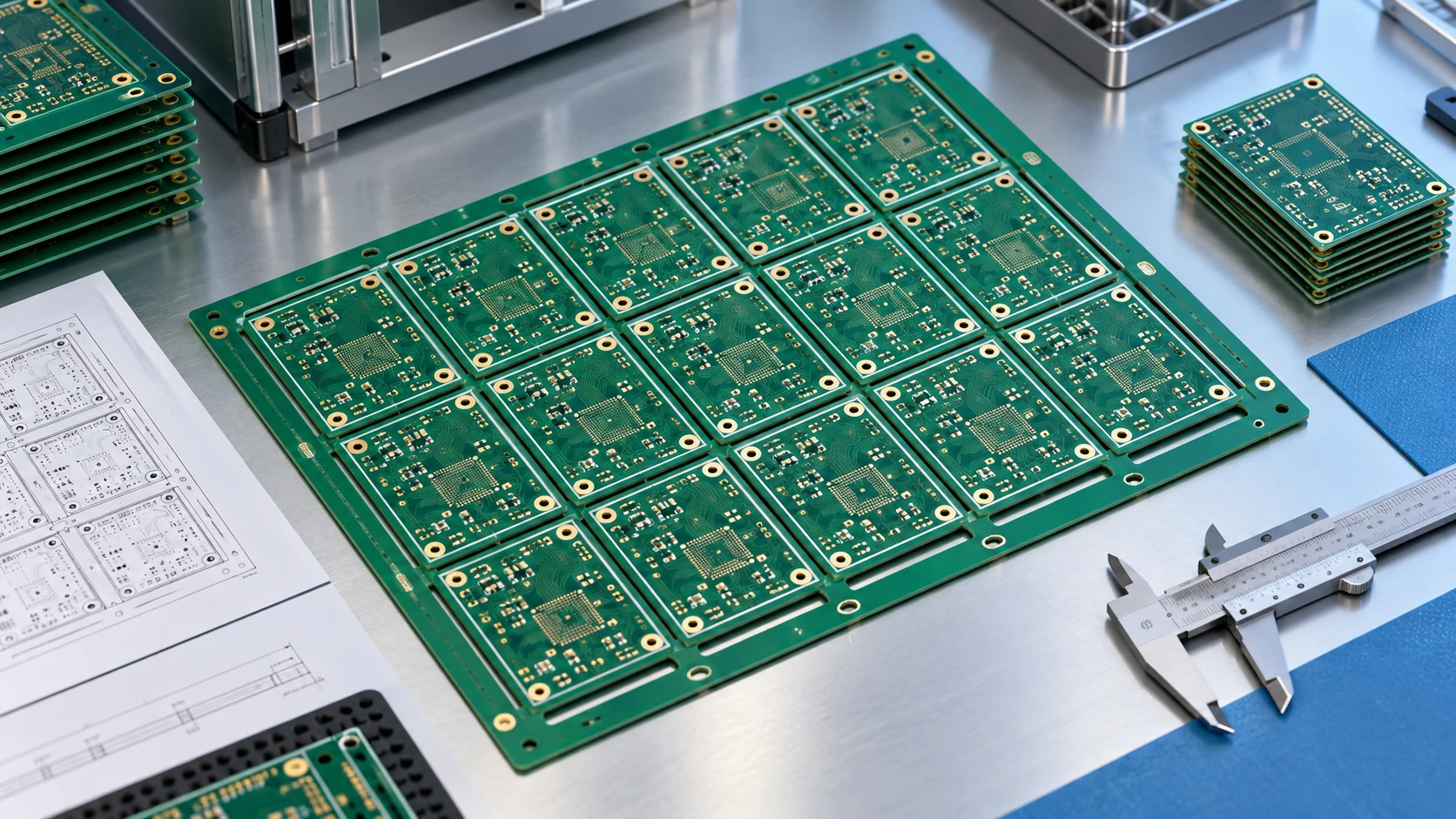

What files are needed for a PCB quote? For a useful bare-board quotation, send the released manufacturing artwork, drill data, board outline, fabrication requirements, and requested quantities. Add the stackup, material requirements, inspection scope, and delivery destination so the supplier can price the same board your engineering team intends to approve. Assembly requires additional information about components, placement, and testing.
This B2B checklist explains what belongs in a PCB request for quotation, which details can be discussed during engineering review, and how to keep revisions consistent. It is intended for OEM buyers, purchasing teams, and engineers preparing prototypes, repeat orders, or a new production program.
What Files Are Needed for a PCB Quote? Start with the Scope
A supplier cannot resolve every uncertainty from a board image. Before exporting files, write a short scope statement identifying the project, board part number, revision, and deliverable. Specify whether the request covers bare PCB fabrication, assembly using supplied components, or turnkey assembly with component sourcing. These are different purchasing packages, even when they refer to the same circuit.
Also distinguish a budget estimate from a production-ready quotation. An early estimate may be possible with dimensions, layer count, approximate quantities, and construction assumptions. It should be labeled preliminary. A firm manufacturing review requires the actual released data and agreement on unresolved requirements; a price based on assumptions does not authorize production changes.
Create one controlled RFQ package
Use a clearly named archive, such as ProjectA_PCB123_RevC_RFQ.zip, with a short README listing the included files. Organize fabrication, assembly, and reference documents in separate folders. A simple manifest helps the supplier recognize the controlling drawing and avoids treating an obsolete PDF as a new requirement.
Record who owns technical questions and who approves commercial terms. If purchasing forwards a quotation request on behalf of engineering, include an engineering contact or a defined question-and-answer route. Do not distribute passwords or unrelated confidential design files simply because they are in the project folder. Share the necessary package through the agreed channel.
Supplier selection and file preparation work together. Our PCB manufacturer selection guide explains how to evaluate engineering support, traceability, and communication before placing an order. This checklist focuses on the information that makes that review practical.
Prepare the Core Bare-PCB Manufacturing Files
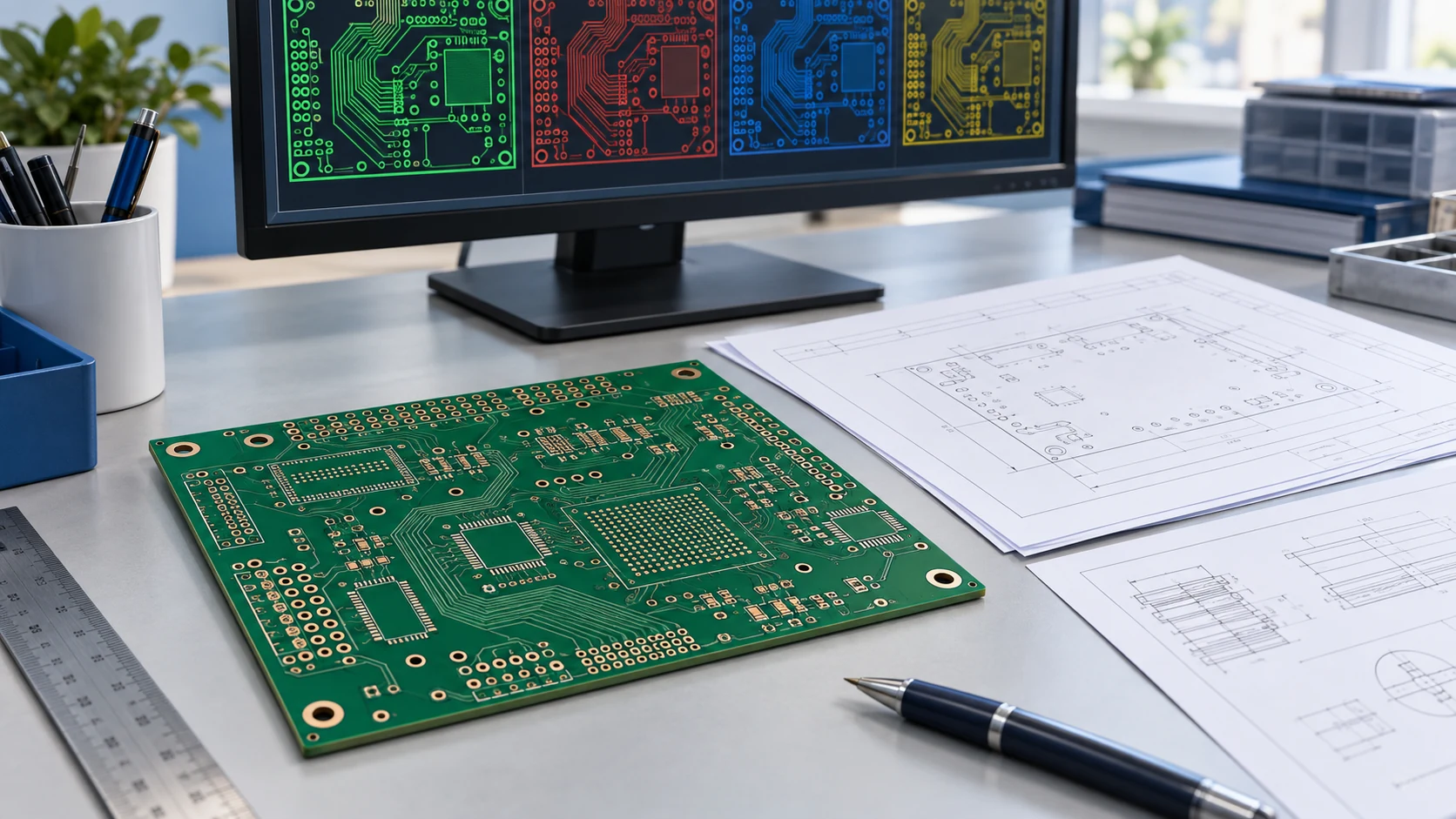
The core package must describe both the circuitry and the physical board. Use a format the selected fabricator accepts, and inspect the exported output before sending it. Do not assume that a successful CAD export guarantees the correct layer set or manufacturing interpretation.
| File or document | What to include | What to check before sending |
|---|---|---|
| Manufacturing artwork | Copper, solder mask, legend, and other required manufacturing layers | Correct revision, complete layer set, and clear layer identities |
| Drill and routing data | Hole locations, sizes, plated/non-plated distinction, slots, and routing information | Units, coordinate alignment, and agreement with the drawing |
| Board outline | Finished contour, internal cutouts, and relevant dimensions | One unambiguous finished-board boundary |
| Fabrication drawing | Thickness, finish, tolerances, construction notes, and acceptance requirements | No conflict with artwork or purchase specification |
| Stackup and material specification | Layer order, copper requirements, dielectrics, and impedance requirements where applicable | Released requirements separated from proposed alternatives |
| Commercial RFQ sheet | Quantity breaks, requested delivery, destination, and order scope | Same assumptions sent to every quoting supplier |
Artwork is necessary, but not the entire specification
Gerber files are commonly used to communicate manufacturing layer images. Confirm the accepted export format with your supplier, especially if providing a different manufacturing database. A screenshot, a rendered 3D board, or a PDF of copper layers should not be treated as a substitute for usable manufacturing data.
Ucamco distinguishes layer image data from additional fabrication information such as finish, thickness, and materials, and describes the Gerber Job file as a way to carry that information. See the official Gerber Job documentation. Confirm support before relying on that file alone.
Open the exported package in an independent viewer when available. Confirm the expected number of copper layers, inspect mask and legend, and compare the outline with the mechanical drawing. Keep an explicit list of intentionally absent layers or features so missing data is not mistaken for a design decision.
Make Holes, Dimensions, and Stackup Requirements Unambiguous
Define the finished geometry
Provide the board's finished dimensions, thickness, and outline, including internal cutouts or unusual edges. Identify dimensional tolerances that affect enclosure fit, connectors, or mechanical alignment. If only certain dimensions are critical, mark them clearly rather than applying an unnecessarily tight tolerance to every feature.
State whether the quantity refers to individual boards or manufacturing panels. If assembly panels are required, provide the approved panel drawing or ask the supplier to propose one for review. Specify relevant rails, tooling holes, fiducials, and separation requirements. A supplier's production panel and the assembly panel delivered to your line are not necessarily the same thing.
Distinguish hole types and sizes
The drill package should make plated and non-plated holes distinguishable. Explain whether specified hole sizes are finished sizes and show tolerances where needed. Identify slots, blind or buried connections, and special features in the fabrication documentation rather than leaving the reviewer to infer their purpose from a picture.
Check that drill files and artwork share the same units, origin, and orientation. A mismatch can create questions even when the individual files look plausible. For an overview of accepted manufacturing data categories, see Eurocircuits' input data guidance; the receiving supplier's requirements still govern your submission.
Release or request a stackup
For a fixed stackup, include layer order, dielectric requirements, copper specifications, total thickness, and tolerances. For a supplier-proposed stackup, state the electrical and mechanical constraints and require engineering approval before manufacture. Label a conceptual stackup as a proposal so it cannot be confused with a production release.
If the board has controlled impedance, identify the relevant nets or structures, target values, tolerances, and required verification. A general note saying “impedance controlled” does not explain which geometry needs review. Review the applicable rigid PCB manufacturing parameters alongside the actual design; individual capability limits should not be assumed to apply simultaneously to every construction.
Specify Materials, Finish, and Acceptance Requirements
A quotation should state what the supplier is expected to deliver, not merely reproduce a collection of file names. Put the controlling manufacturing requirements in a concise fabrication drawing or specification and reference its revision in the RFQ. Resolve contradictions before releasing the purchase order.
Materials and copper
Identify the approved laminate or required material properties, along with any restrictions on substitutes. If alternatives are acceptable, request them as separately identified options. Avoid wording that allows the supplier to treat any material within a broad family as equivalent when electrical performance, thermal behavior, or customer approvals depend on the selection.
Define copper requirements by layer where relevant. Clarify whether external copper requirements refer to starting foil or finished copper after plating. Heavy copper, fine geometry, and tight clearances interact with each other; asking for separate maxima without explaining their combination can lead to a quotation that does not represent the intended board.
Surface finish and protective layers
Specify the required surface finish, solder mask, and legend requirements. Note selective finishes, contact areas, mask restrictions, or unusual markings. If engineering is considering more than one finish, request clearly separated options and keep the acceptance requirements consistent when comparing prices.
For flex, rigid-flex, metal-core, or HDI constructions, include the corresponding special requirements rather than reusing a generic rigid-board checklist unchanged. Examples include bend areas, coverlay and stiffeners, thermal requirements, or the intended microvia structure. Describe the actual configuration; a product category alone is not a complete specification.
Inspection and documentation
State the applicable acceptance criteria and required reports, tests, traceability, or certificates. Distinguish a mandatory contractual requirement from a preferred option. If a customer requires a particular document or approval, communicate that requirement before quotation instead of adding it after manufacture.
Ask the supplier to list exceptions in writing. An unqualified quotation should not be interpreted as proof that every unmentioned test, certification, or customer-specific requirement is included. For a broader view of process categories, use XinshunPCB's PCB manufacturing capabilities as a starting point for the project discussion.
Add BOM, Placement, and Test Files for PCB Assembly
A bare-board package does not tell an assembler which parts to buy or install. If your RFQ includes assembly, add a released bill of materials, component placement data, and assembly drawings. Keep their revision aligned with the fabrication package.
Bill of materials
A useful BOM identifies reference designators, quantities, manufacturer part numbers, and clear component descriptions. Mark do-not-populate positions explicitly. If alternatives are approved, identify the acceptable parts and approval conditions; do not leave substitutions to guesswork. Distinguish customer-supplied parts from parts the supplier must source.
Include purchasing constraints that affect the quote: authorized sourcing requirements, packaging preferences where necessary, traceability expectations, and whether shortages may be quoted as exceptions. Ask for a separate list of unavailable or uncertain components. An attractive assembly price is incomplete if critical components are excluded without explanation.
Placement and assembly information
Placement data should identify component references, coordinates, rotation, and board side in a format accepted by the assembler. Add an assembly drawing showing polarity, orientation, special handling, and any manual operations. Check alignment between the BOM, placement file, and drawing rather than assuming all three were exported from the same saved design.
Describe any through-hole installation, cables, connectors, heat sinks, adhesives, or mechanical assembly included in the deliverable. These operations may require fixtures or work instructions beyond a standard surface-mount process. The scope of SMT assembly services should therefore be reviewed separately from bare-board fabrication.
Programming and functional test
If programming or functional testing is required, describe the expected operation, pass/fail criteria, interfaces, and ownership of fixtures or software. Sensitive firmware can be supplied through an agreed controlled process when needed. Do not assume that an electrical test of the bare board verifies the function of the completed electronic product.
Where test instructions are still being developed, identify that dependency in the RFQ. Request a quotation that separates known assembly work from pending test-development work. This makes the commercial assumptions visible without pretending that an unfinished test plan is ready for production.
Provide Quantities, Delivery Assumptions, and Revision Control
Manufacturing files explain the product; commercial information explains the order. Provide requested quantity breaks, prototype or production intent, delivery destination, and required timing. State whether the date is a preferred dispatch date or the date acceptable goods must arrive at your facility.
Separate recurring costs from tooling, setup, test development, and other one-time charges. Ask what triggers the quoted lead time: data approval, material availability, payment, or another milestone. A date quoted before engineering questions are closed may depend on conditions that purchasing needs to understand.
For comparison, issue the same released package and assumptions to every candidate supplier. If one supplier proposes a material, panel, or inspection change, ask for a clearly labeled alternative. Our PCB manufacturing cost guide explains why quantities, construction choices, and scope differences can change a quotation even when the board name stays the same.
Control changes after the first quotation
When the design changes, issue a new revision and identify the superseded package. Include a short change summary, but send the complete current manufacturing set when the supplier requires it. A collection of replacement files spread across several emails is difficult to reconcile and increases the chance of mixed revisions.
Ask whether the change affects price, delivery, tooling, or previous engineering approval. Do not treat a revised quotation as authorization to start production until your approval process is complete. Conversely, make the release decision explicit once questions are resolved so the supplier knows which revision is approved.
Separate questions from approved changes
Maintain a short engineering question log with the issue, proposed response, owner, and approval status. If a supplier suggests enlarging a clearance or changing a stackup, record the approved decision in the controlling documentation. An informal discussion should not silently become a manufacturing instruction.
Run a Final PCB RFQ Release Check
Before submission, have someone other than the exporter review the package where practical. Purchasing can check quantities and delivery assumptions, while engineering verifies the data and requirements. The purpose is to catch mismatches early, not to replace the fabricator's manufacturing review.
- Confirm identity: the archive, drawing, BOM, and request identify the same part number and revision.
- Check completeness: copper, mask, drill, outline, fabrication notes, and relevant assembly files are present.
- Inspect exports: layer mapping, units, alignment, and finished geometry are consistent.
- Resolve conflicts: material, thickness, finish, and tolerances agree across documents.
- State commercial assumptions: quantities, timing, destination, and excluded work are explicit.
- Assign approval: the supplier knows who can answer questions and approve changes.
For example, consider a multilayer control board quoted at three quantity levels. Engineering has released artwork but is still considering two finishes. Send one controlled board revision, identify the finishes as separate quote options, and request the same test scope for each. Do not mix an old finish note with a new drawing and expect the supplier to infer which requirement wins.
Finally, ask the supplier to confirm that the package is readable and identify any missing information. Track open questions until the quotation reflects the agreed scope. This approach gives procurement a comparable offer and gives engineering a clear record of what will be manufactured.
PCB Examples for Your Manufacturing RFQ


PCB Applications with Project-Specific Requirements

Industrial & Power Electronics
Engineered to withstand massive electrical currents, thermal stress, and continuous mechanical vibration. XinshunPCB delivers IPC Class 3 heavy copper boards, high-thermal metal-core solutions, and turnkey SMT assemblies for grid-scale energy storage, industrial robotics, motor drives, and solar inverters.
Explore Solutions
Medical Equipment
From patient monitoring and diagnostic instruments to medical imaging systems, XinshunPCB provides custom PCB fabrication and PCBA assembly for healthcare equipment. We help you align board materials, circuit layouts, and assembly requirements with your application, supporting development from initial prototypes to production.
Explore Solutions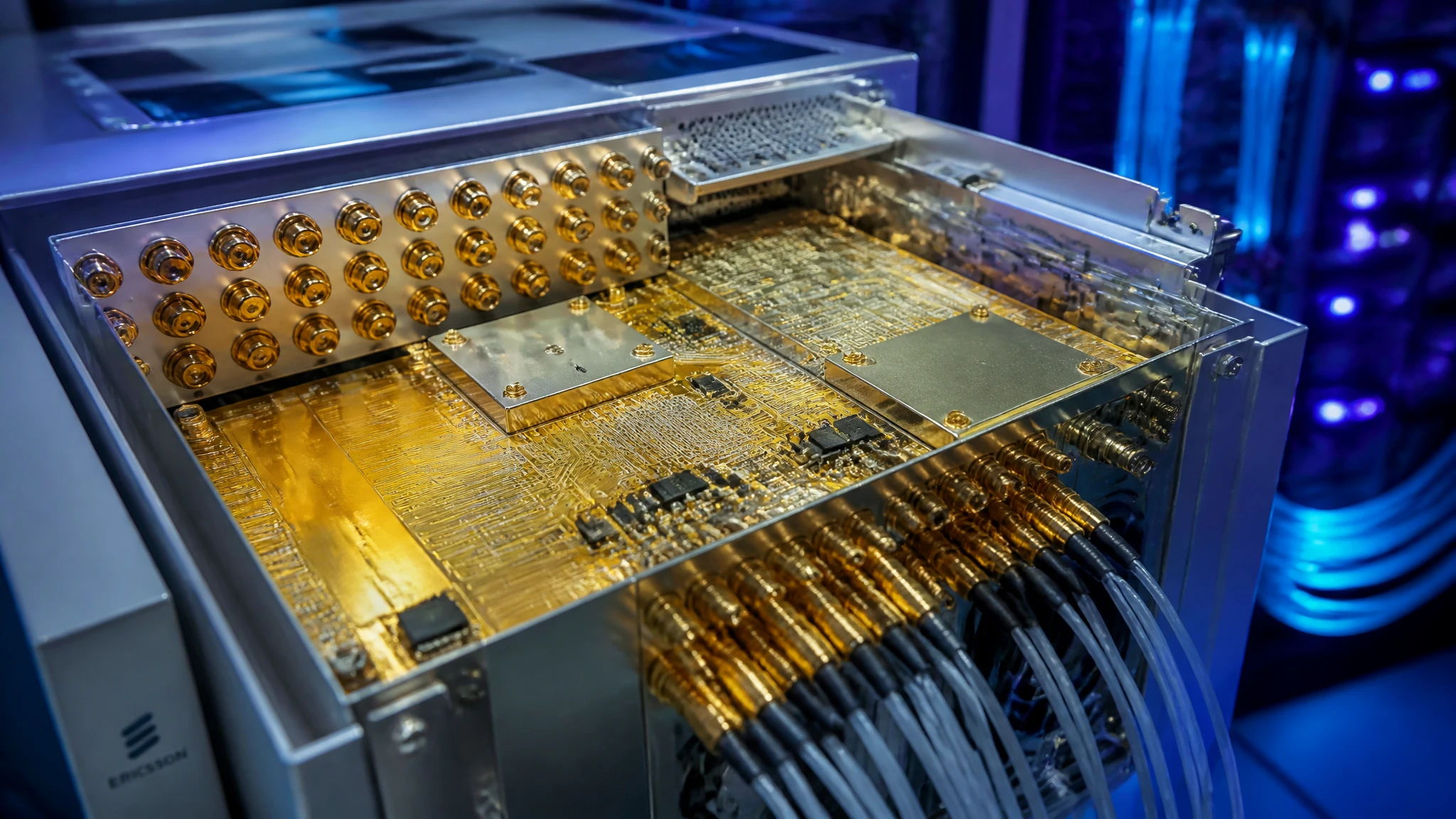
Telecommunications & IoT
From wireless gateways and connected sensors to networking equipment, XinshunPCB supports custom PCB fabrication and assembly for communication hardware. Align materials, stackups, compact layouts, and production testing with your application, from initial prototypes to repeat production.
Explore Solutions
Industrial & Power Electronics
Engineered to withstand massive electrical currents, thermal stress, and continuous mechanical vibration. XinshunPCB delivers IPC Class 3 heavy copper boards, high-thermal metal-core solutions, and turnkey SMT assemblies for grid-scale energy storage, industrial robotics, motor drives, and solar inverters.
Explore Solutions
Medical Equipment
From patient monitoring and diagnostic instruments to medical imaging systems, XinshunPCB provides custom PCB fabrication and PCBA assembly for healthcare equipment. We help you align board materials, circuit layouts, and assembly requirements with your application, supporting development from initial prototypes to production.
Explore Solutions
Telecommunications & IoT
From wireless gateways and connected sensors to networking equipment, XinshunPCB supports custom PCB fabrication and assembly for communication hardware. Align materials, stackups, compact layouts, and production testing with your application, from initial prototypes to repeat production.
Explore SolutionsPCB Quote File FAQs
Prepare a Quote-Ready PCB Package
A complete PCB quotation package connects the released design, manufacturing requirements, and purchasing assumptions. Start with usable artwork, drills, and geometry; add the construction and acceptance requirements; then include assembly documents when the deliverable requires them. Keep alternatives and open questions clearly separated from approved instructions.
Ready to discuss your project? Contact XinshunPCB for a PCB quotation with your current manufacturing package, requested quantities, and delivery requirements. Identify any unfinished requirements so the engineering review and quotation can address them explicitly.